How to Use AudioPen: Your First Polished Note
The short answer: using AudioPen is a three-move loop — record, read, reuse. You talk into the orange button, AudioPen returns a cleaned-up written note (no filler, fixed grammar, real structure), and you copy it wherever the words were headed. Signup to first polished note takes about 5 minutes on the free plan, with no credit card.
Step 1: create your free account
- Go to the web app and sign up — email is all it asks for.
- No trial countdown starts: the free plan is simply the product with limits, so you can take your time. (The official FAQ covers account questions we don’t repeat here.)
Step 2: record your first note
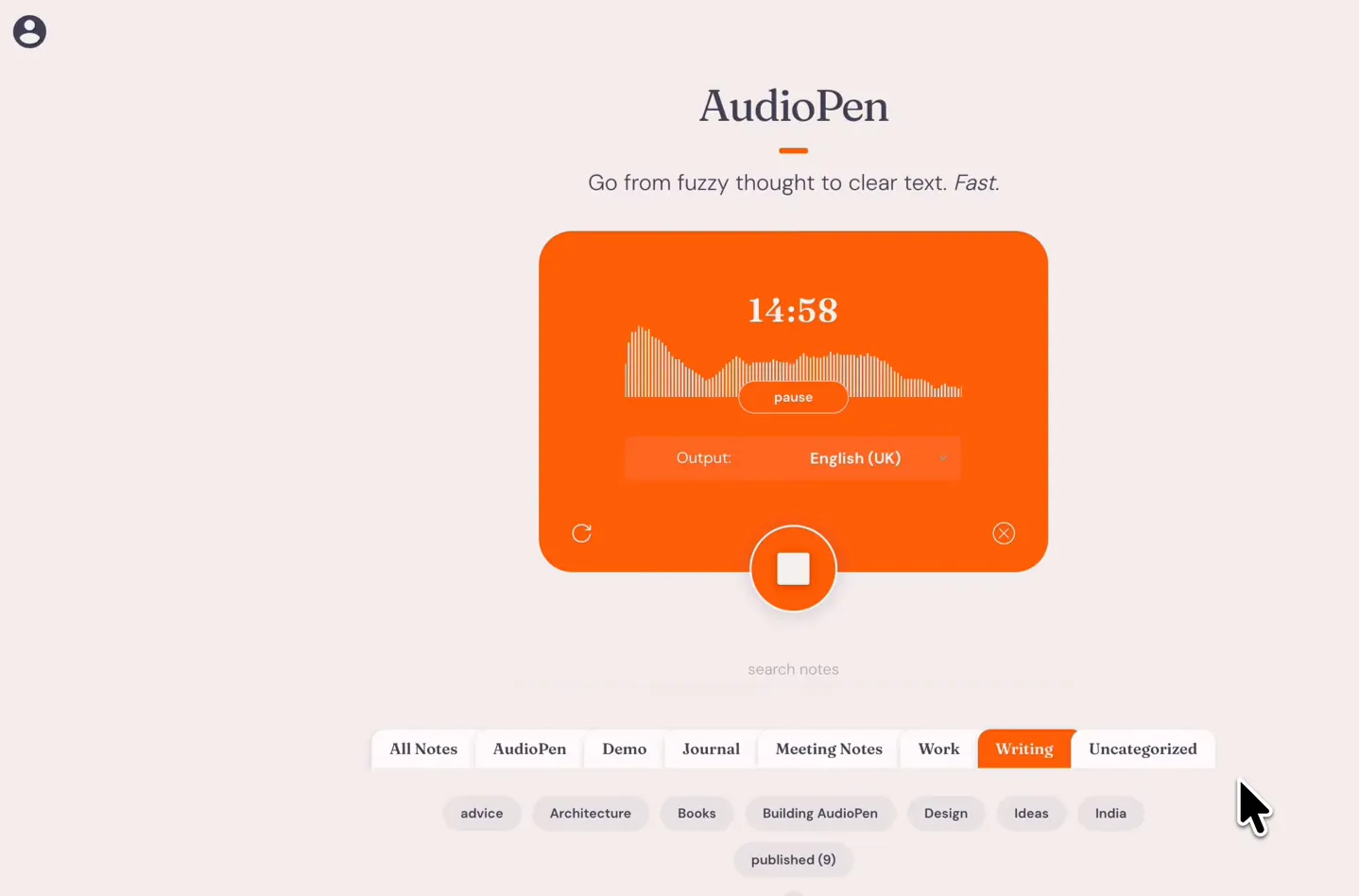
- Click the big record button.
- Allow microphone access when your browser asks (one-time).
- Say what you’re actually thinking — messy is fine. Don’t perform; the point of AudioPen is that you don’t have to speak in finished sentences.
- Stop the recording and wait a few seconds.
What comes back is not a transcript. It’s your idea, rewritten: filler words gone, sentences completed, paragraphs organized.
Step 3: read the rewrite — then restyle it
Every note can be reshaped after the fact:
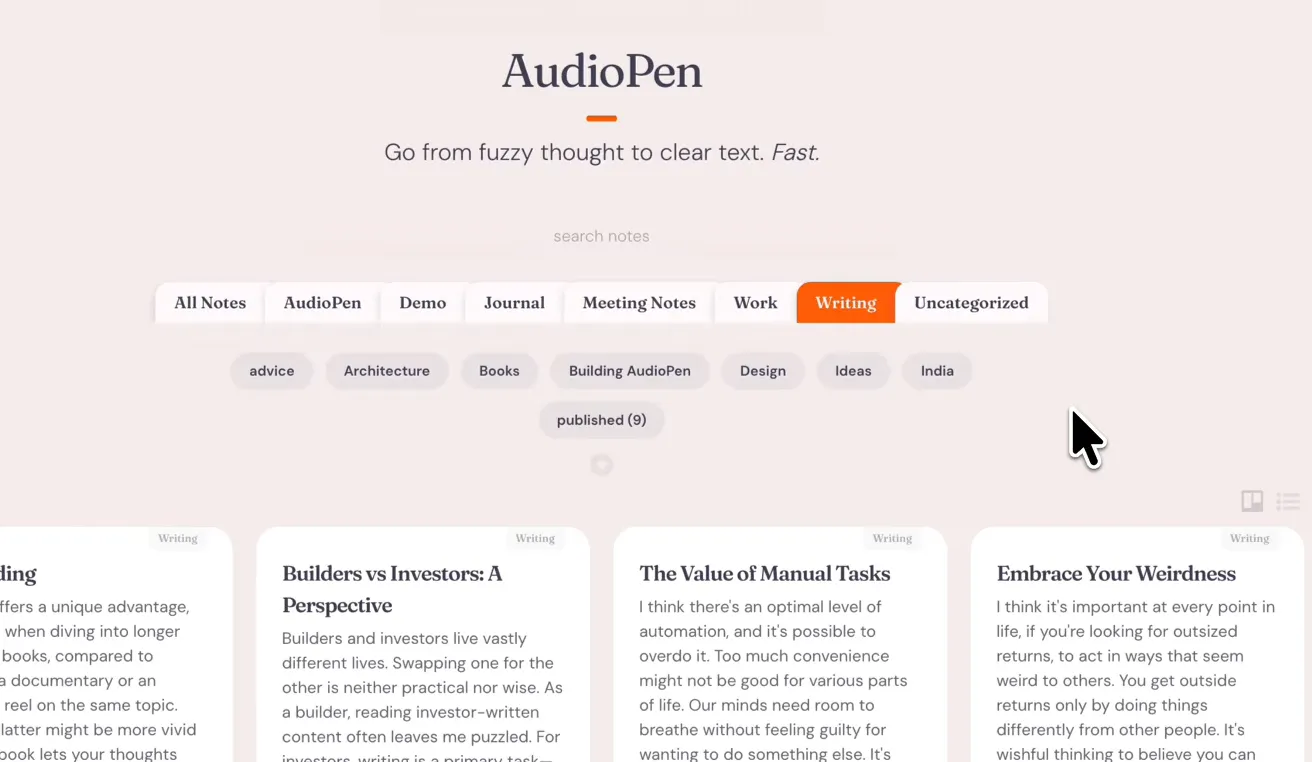
- Open the note and try a different writing style — summary, blog draft, journal entry, action list.
- Prime users can create custom styles, including one trained on samples of their own writing, so notes come out sounding like you on a good day.
- Copy the result with one click, or send it onward automatically if you’ve connected Zapier or webhooks.
A good first experiment: record the same 30-second ramble once, then render it as a summary and as an email draft. The difference shows you what the styles are for.
Step 4: put it on your devices
One account works everywhere, so add the entry points you’ll actually use:
- Phone: the iPhone and Android apps capture thoughts on walks and commutes.
- Browser: the Chrome extension records from the toolbar — the best setup on Windows.
- Mac: the Mac app adds Voice Typing on Apple Silicon, dictating into any text field.
Every official link is on the download page — check the developer name is Nicheless, Inc. and you can’t go wrong.
What the free plan includes (and where the walls are)
The free plan covers the full record-rewrite loop with preset styles, capped by shorter recording lengths and limited note history. The walls you’ll eventually hit — 15-minute recordings, unlimited storage, audio file uploads, SuperSummaries, custom styles — are exactly what a Prime pass removes. Passes are one-time payments rather than subscriptions (current prices are on our pricing page), so there’s nothing to babysit; the honest path is to use free until a wall actually annoys you.
Once the free plan feels tight, a Prime pass lifts the recording and storage limits in one purchase. See what AudioPen Prime costs, or grab the apps on the download page.