AudioPen Languages: Speak One, Write in Another
The short answer: AudioPen works in most major global languages, and — its quietly best feature — the language you speak and the language your note is written in don’t have to match. Set an output language once in settings, and you can think out loud in your mother tongue while AudioPen hands back clean English (or Spanish, or German) ready to paste.
Which languages does AudioPen support?
The official line is “most major languages”, and in practice you can expect the big global ones — English, Spanish, French, German, Portuguese, Japanese, Chinese and the like — for both recognition and output. There’s no fixed public list, because coverage tracks the underlying speech models and keeps widening. The reliable test takes about 60 seconds: record 10 seconds of speech in your language on the free plan and read what comes back.
Set your output language
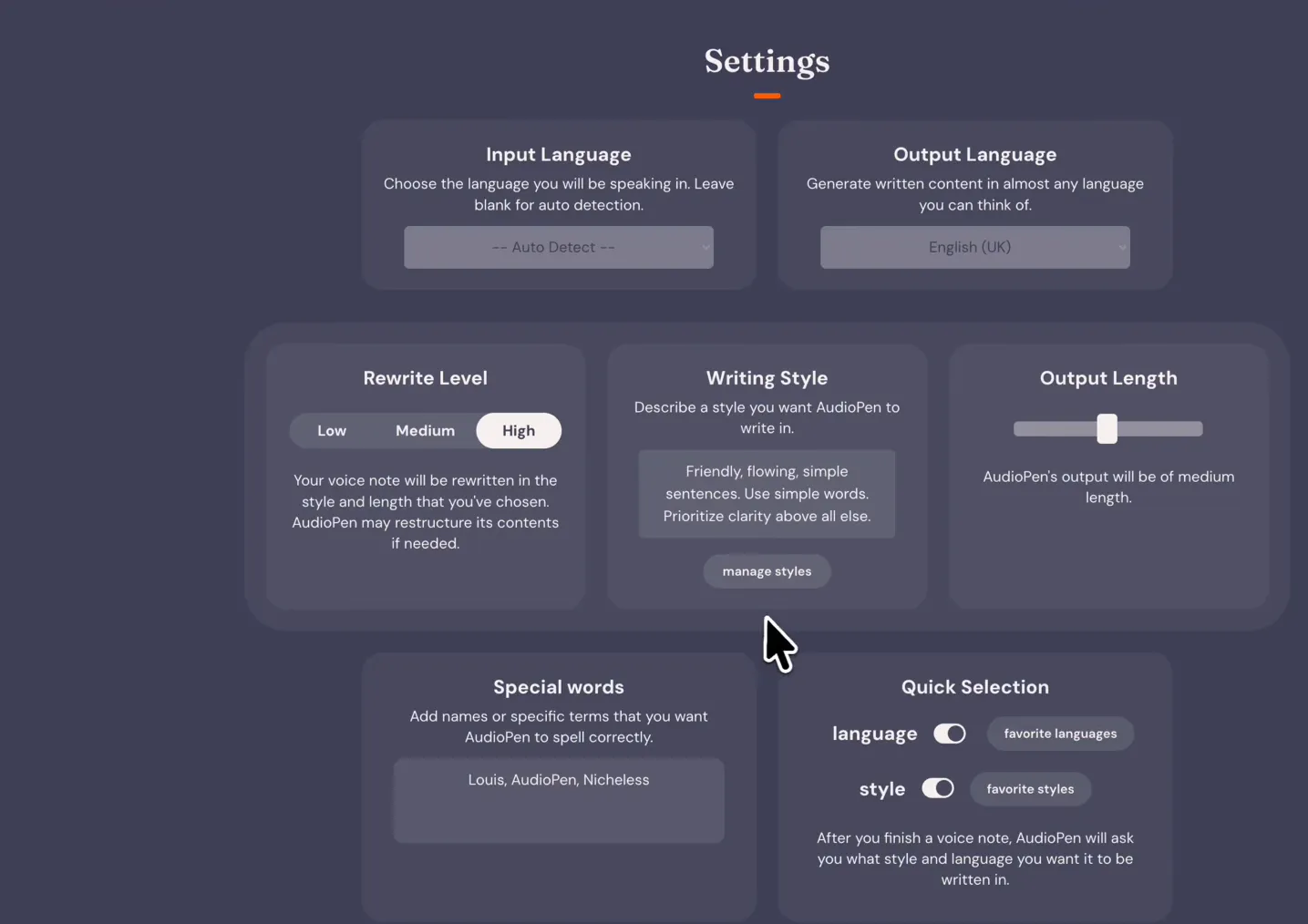
- Open the web app and go to Settings.
- Find the output language preference.
- Pick the language you want notes written in — this is independent of what you speak.
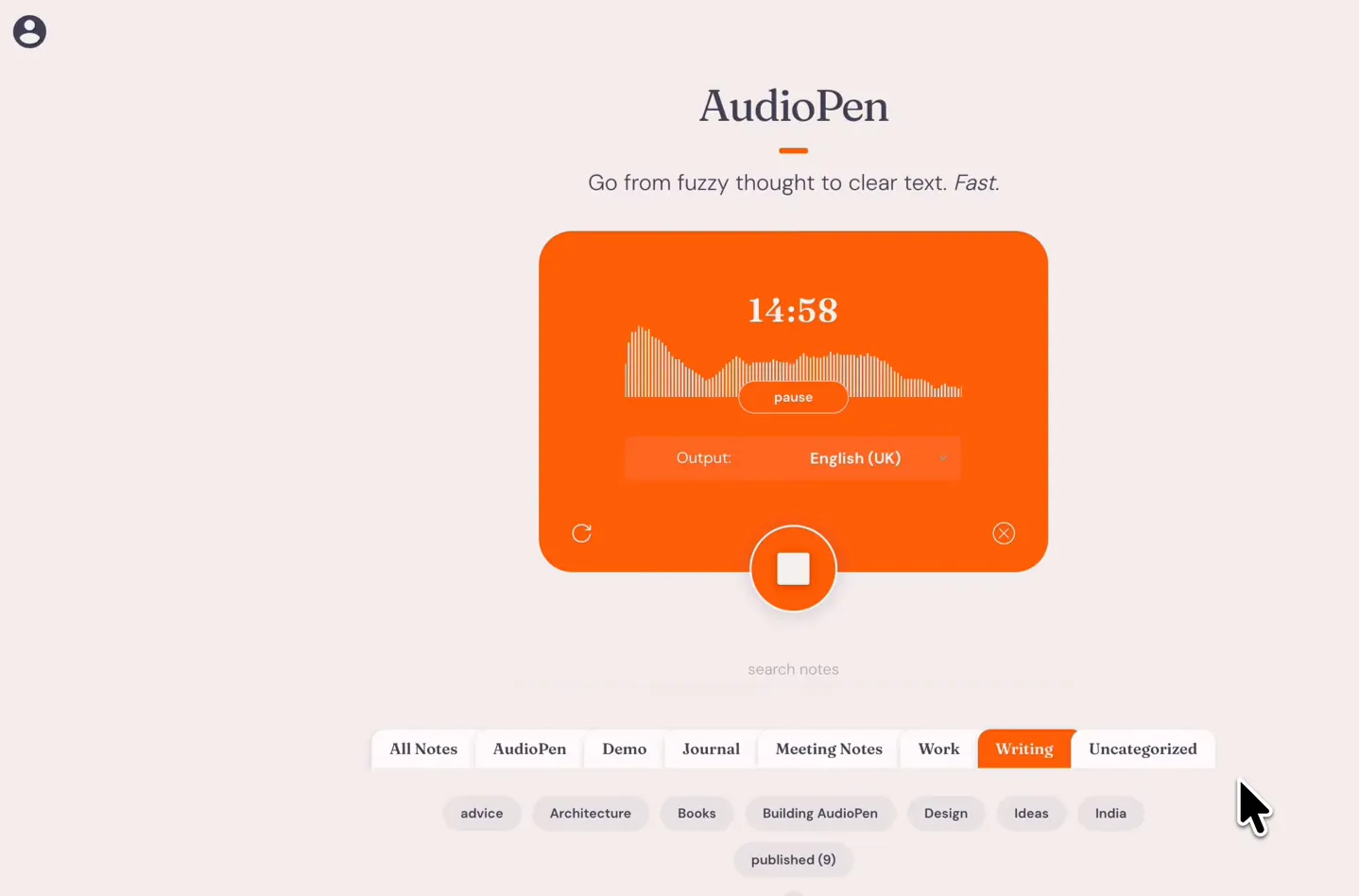
- Record normally. The polished note arrives in your chosen output language.
You can change the setting whenever you like; it applies to new notes going forward.
The killer workflow: think native, publish English
If English isn’t your first language, the gap between “what I mean” and “what I can type” costs real time. With AudioPen the gap closes:
- Set output language to English.
- Ramble through your idea in the language you actually think in — filler, false starts and all.
- Paste the returned note into your doc, email or ticket. It reads like a fluent colleague wrote it, because the rewrite step handles idiom, not just word-for-word translation.
The same trick works in reverse for language learners: speak English, output your target language, and compare.
Tips for better recognition
- Talk naturally. You don’t need to slow down or over-enunciate; the model handles conversational speech and removes the “ums” anyway.
- Stick to one language per note. Mixing two languages mid-sentence is the one thing that reliably confuses transcription — split the thought into two notes instead.
- Name unusual terms. Brand names and jargon come through better if you say them clearly once; you can fix stragglers in the note afterwards.
- Check the style. Writing styles apply in any output language — a “concise memo” in German is still a concise memo.
Language switching works on every platform — web, iPhone, Android, Mac and the Chrome extension all respect the same setting. Grab whichever app fits your day from the download page.
Language switching is free to try; custom styles for your output language come with Prime. See what AudioPen Prime costs, or grab the apps on the download page.